Network Setup
The SK-VPN supports multiple interfaces Roles: LAN, WAN, and MGMT. The SK-VPN allows administrators to assign IP Adressess and Routes to interfaces. The SK-VPN supports IPv4 addresses. IPv6 will be supported in the future.
Interface Address Setup
The Web UI Network page is used to manage Interface Addresses.

Modify Interface Addresses
Add or modify existing Network Interface Addresses on the Web UI Network -> Interfaces page. Select the Interface to modify and click on the Actions Menu -> Edit Interface Settings.

Route Setup
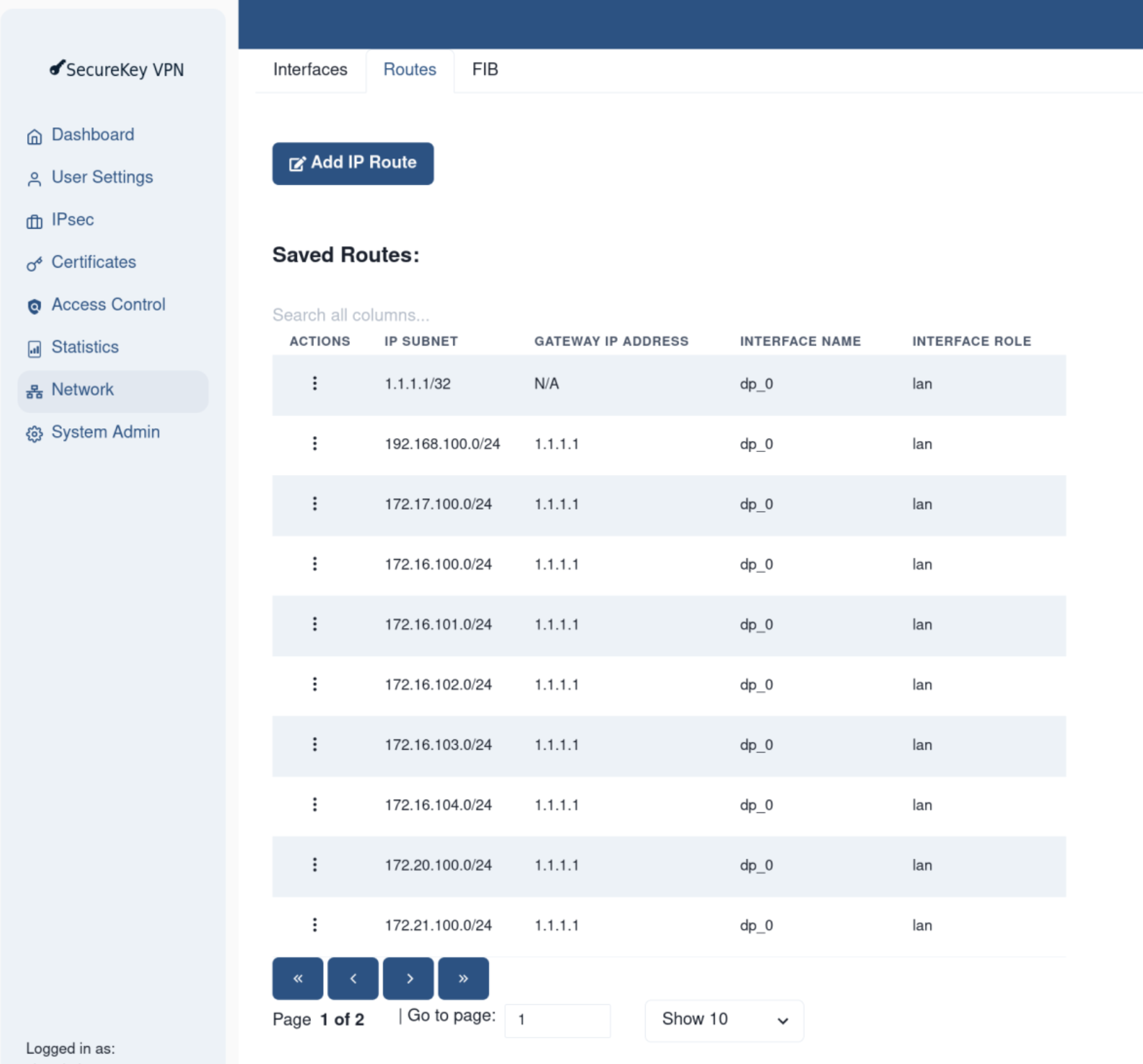
Routes are used to forward packets from one interface to another. The SK-VPN allows administrators to manage system routes for the LAN and WAN interfaces.
The Web UI Network page is used to manage Routes.
Interface Role Assignment
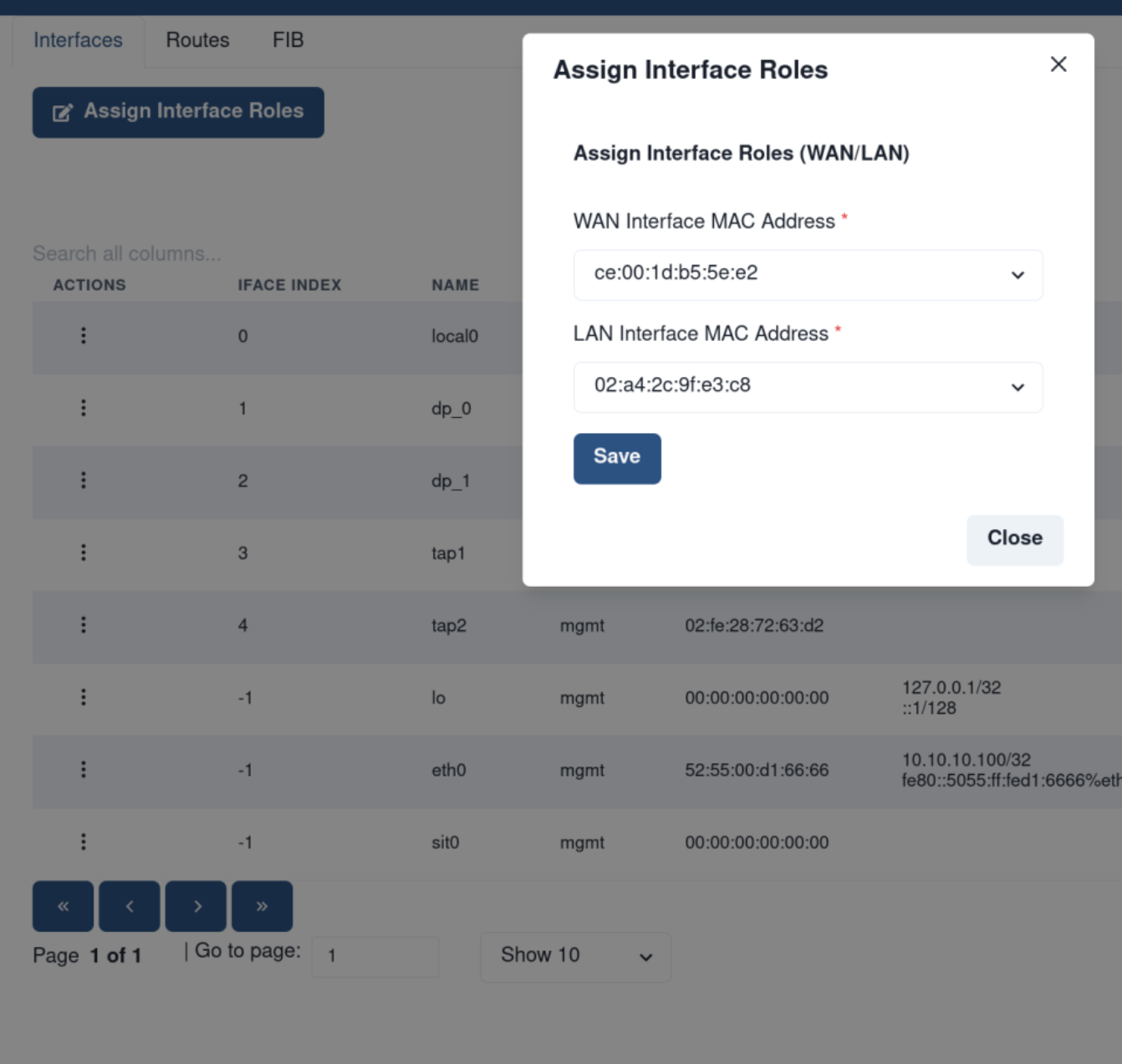
The SK-VPN supports multiple interfaces Roles: LAN, WAN, and MGMT. Upon initialization the SK-VPN attempts to assign interfaces a LAN or WAN role based on IP address assignments.
The SK-VPN allows users to re-assign the role of an interface to be either LAN or WAN. A Reboot is required to take effect.
The Web UI Network -> Interfaces -> Assign Interface Roles is used to manage Interface Roles.
FIB Table
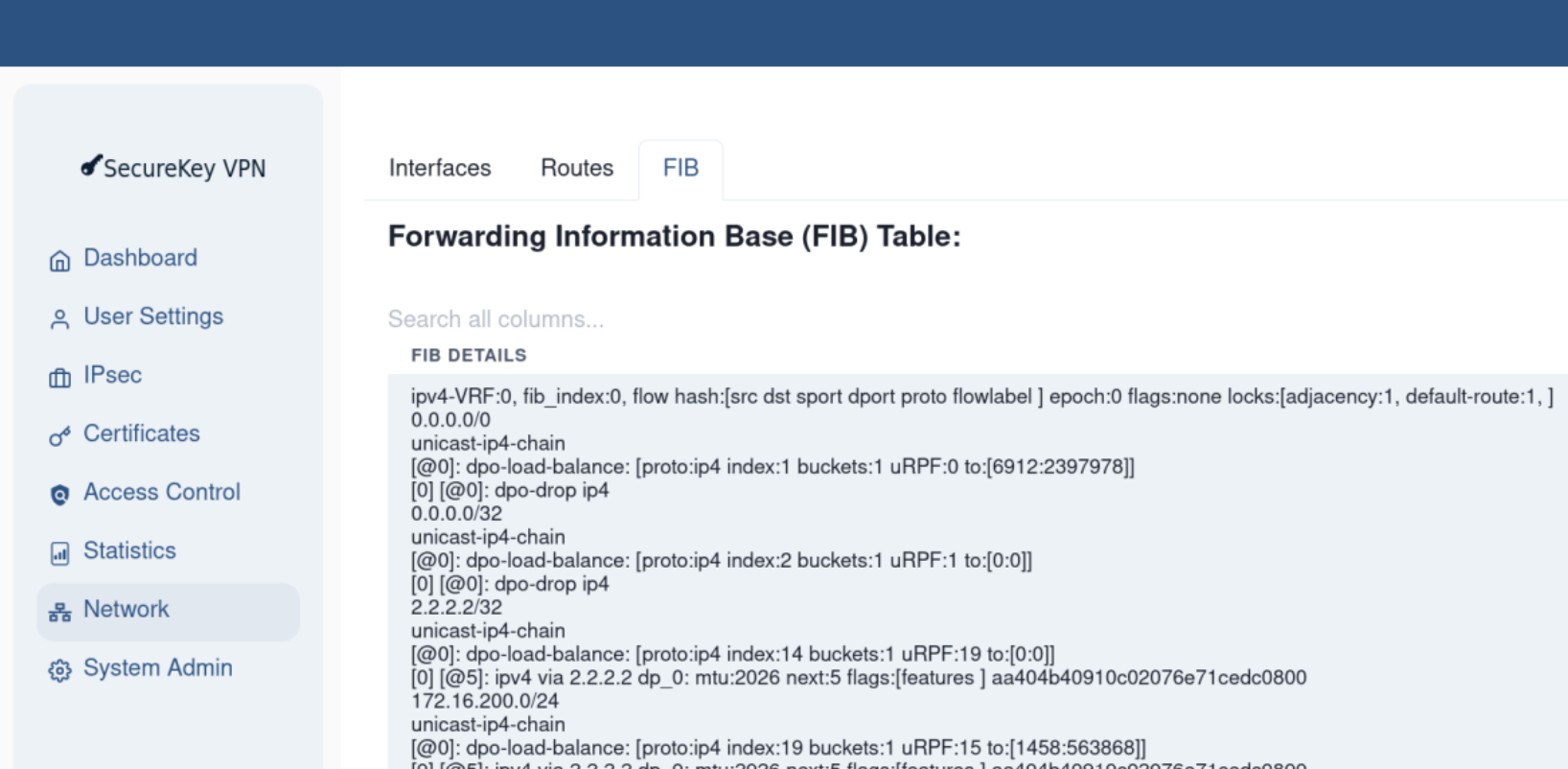
The SK-VPN determines how network packets are routed based on multiple decision points including: the system routes, IPsec connections and filtering rules. The Forwarding Information Base (FIB) table is used to determine the routing path for a packet.
Direct manipulation of the FIB table is not allowed as it is a combination of routing and security settings. The FIB is useful to troubleshoot routing problems.
The Web UI Network -> FIB displays the current FIB Table.